
Everything you need. Nothing you don't.
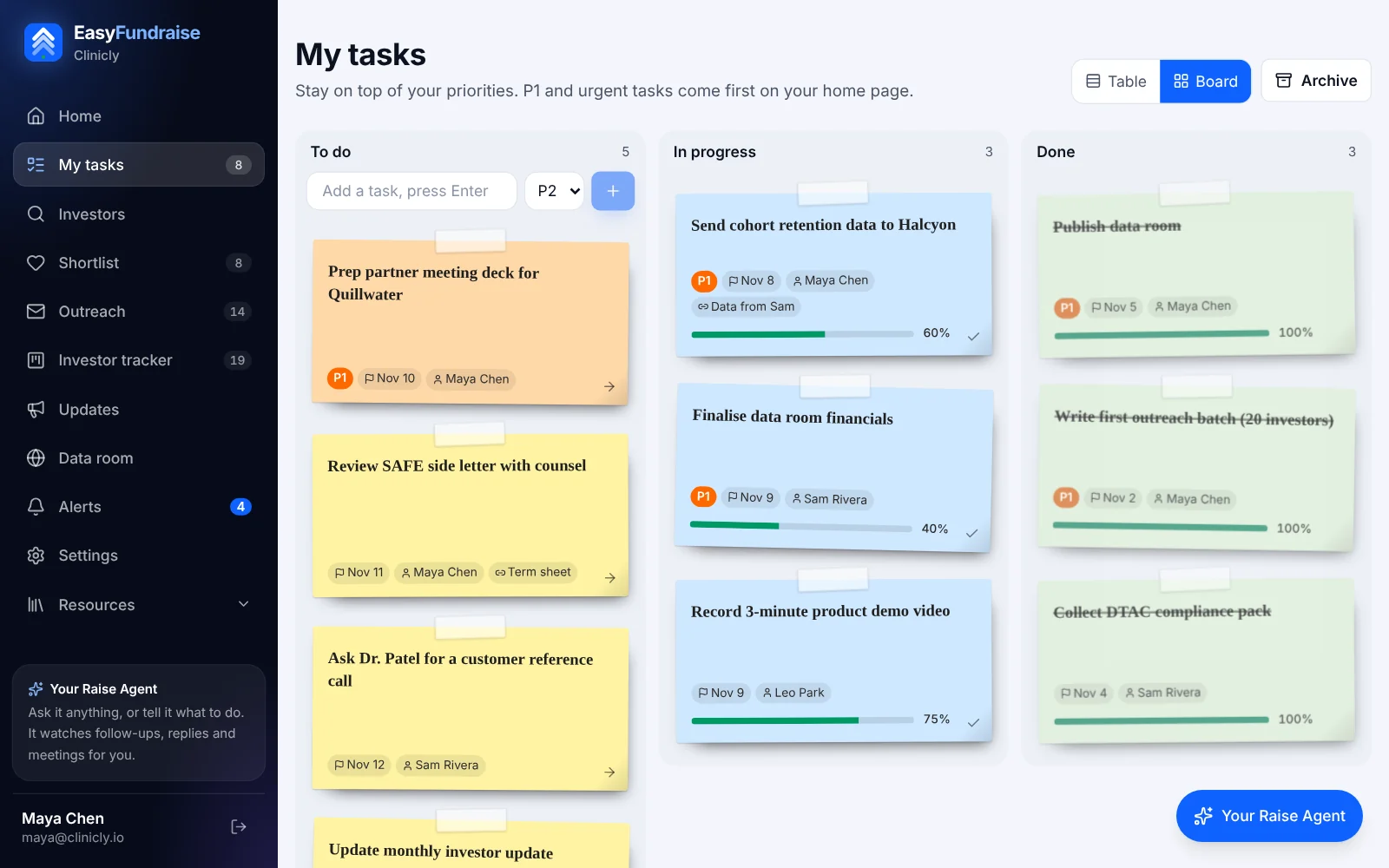
Table or sticky notes
See every task like a spreadsheet, or drag sticky notes from To do to In progress to Done.
Owners
Every task is yours by default. Hand it to a cofounder or advisor with one click.
Priorities and deadlines
P1 tasks stand out, and overdue work turns red so nothing slips.
Follow-up dates
Add as many check-back dates as you need. Today's show up first.
Your day at a glance
Your top 3 and everything due today, the moment you open the app.
Urgent stays pinned
Mark a task urgent and it follows you on every screen until it's done.
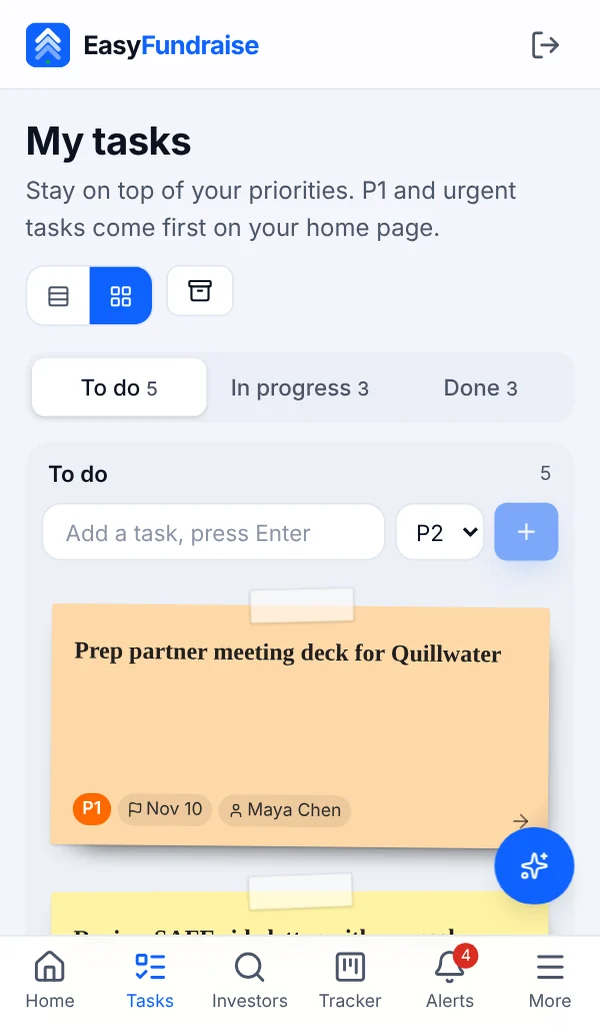
Made for your phone
Check and update tasks on the go, as easily as on your laptop.
Progress you can see
Track % done, and a task moves to Done when it hits 100%.
Be more effective. Be more productive.
- 1Add a task in one line and press Enter.
- 2Give it an owner, a priority and a deadline.
- 3Move it along as you work: To do, In progress, Done.
- 4Open the app each morning to your top 3 and what's due today.
Questions
Is the task manager really free?
Yes. My tasks is free for every EasyFundraise user, forever. You don't need a paid plan or a credit card.
What can I track?
Each task has a title, a short description, an owner, a status (To do, In progress, Done or Archived), a priority, a deadline, follow-up dates and how much is done.
Will it remind me?
Your top 3 tasks and anything due today show on your home screen every time you open the app, and urgent tasks stay pinned on every page until they're done.
Does it work on my phone?
Yes. It's built for phones as well as laptops, so you can check and update your tasks anywhere.
Can my cofounder see my tasks?
Tasks belong to your workspace, so anyone you invite to it sees the same list and can take ownership of tasks.
How is it different from monday.com or Trello?
It's deliberately simple: one list, three columns and the fields that matter. No setup, no templates to learn and no per-seat price.
Your priorities, sorted. Free.
And when you're ready to raise, the investor database and AI agent are right there.
Start managing your tasks